Learn rtd-sensor
What is rtd-sensor?
rtd-sensor is a Python library that turns RTD resistance values into temperatures, and
temperatures back into expected resistance values. It supports common platinum
RTDs such as Pt100, Pt500, Pt1000, and several nickel sensor types. It also provides
tools for calibration, custom sensor models, self-heating analysis, tolerance,
uncertainty, simulation, and working with many readings at once.
What rtd-sensor is not
rtd-sensor does not read a physical RTD directly. It starts once a trustworthy
estimate of the RTD element resistance in ohms is available. That resistance may come
from acquisition software such as rtd-acquire,
a multimeter or bridge, a DAQ or RTD interface that already reports resistance, or
recorded data. rtd-sensor handles the RTD science and calculations; it does not
handle wiring, SPI/I²C communication, ADCs, or other sensor-interface hardware.
That separation is a benefit: use rtd-acquire when raw hardware still needs
acquisition, compensation, calibration, or diagnostics, and use rtd-sensor
directly when the resistance is already available. Keeping those jobs separate makes
it easier to change hardware, reuse the same RTD calculations in different systems,
test each layer independently, and keep hardware faults distinct from RTD model or
calculation errors.
Let's Go!
Ready to dive in and use rtd-sensor in research, engineering, or in a
professional or hobby project? Start with the complete user documentation:
Or learn RTDs by experimenting. No hardware is required to start.
The RTD Playground, for beginners to intermediate users, begins with only Python and
rtd-sensor. Later exercises will add a real Pt100, a multimeter, a MAX31865,
and a Raspberry Pi.
Start with a Pt100
A Pt100 is a platinum RTD whose ideal resistance is 100 ohms at 0 °C. In the first experiment, Python acts as the measurement lab: you ask what resistance a Pt100 should have at different temperatures and then run the calculation in reverse.
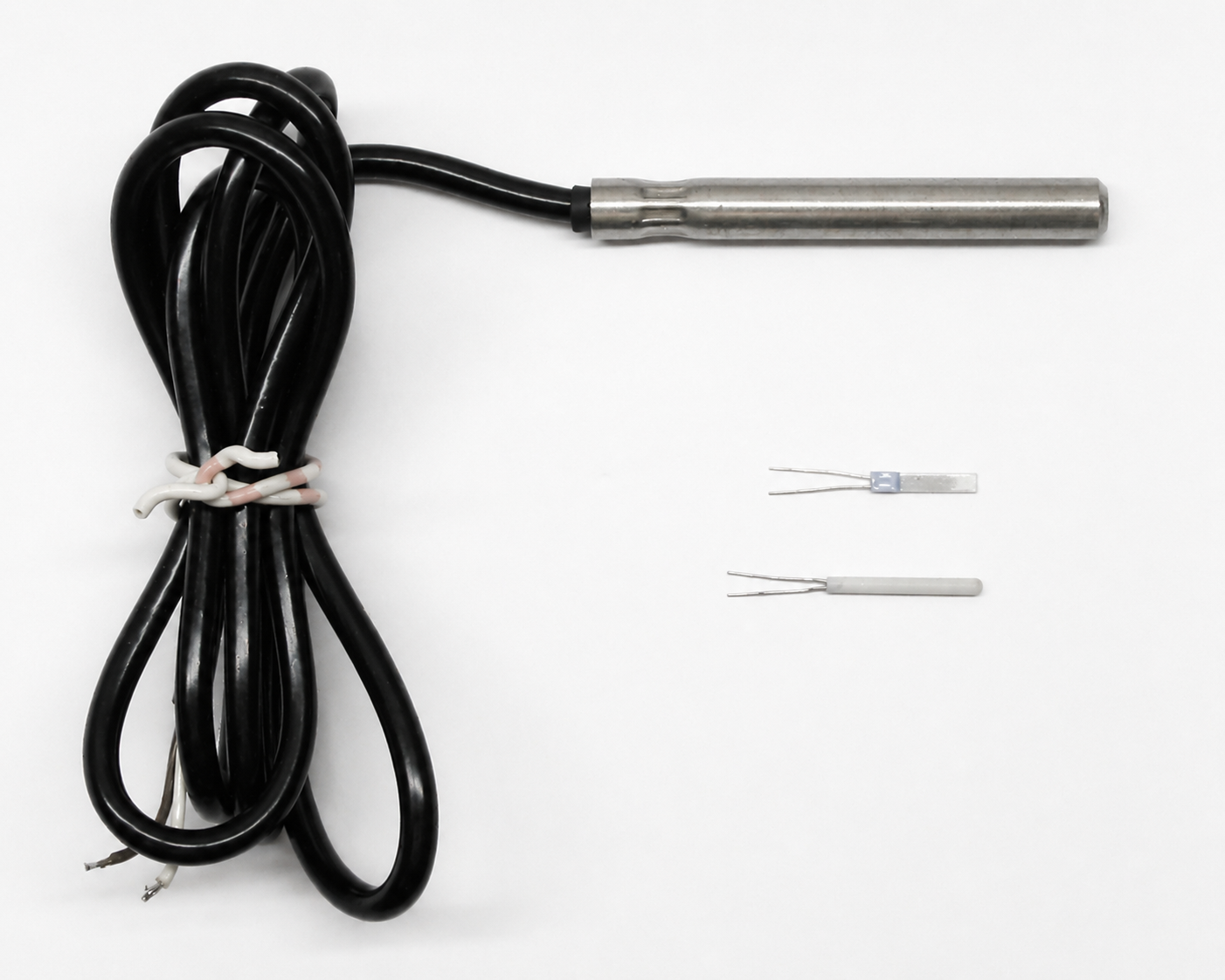
Three different Pt100 temperature sensors. Color-corrected from Pt100 Sensors.png by dirkhb, released into the public domain.

Where the RTD Playground goes
The beginner-to-intermediate exercises will gradually move from software-only exploration to real hardware:
- calculate Pt100 resistance and temperature;
- plot an RTD curve;
- test whether a Pt100 is really linear;
- compare Pt100, Pt500, and Pt1000 sensors;
- measure a real Pt100 with a multimeter;
- connect a MAX31865 and Raspberry Pi;
- explore calibration, tolerance, uncertainty, and portable models;
- go deeper into cross-language and embedded RTD implementations.
Two ways to use this site
If you already know Python and want to use the package, begin with Start Here or the full documentation. If you want a more detailed, experiment-driven introduction, use the RTD Playground.